
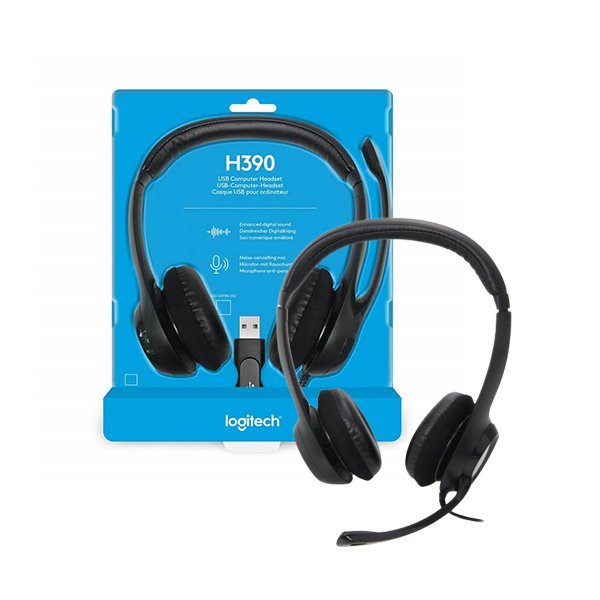
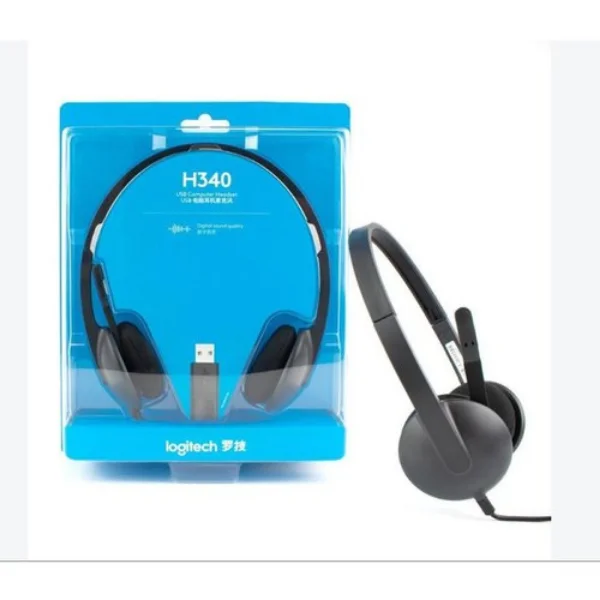
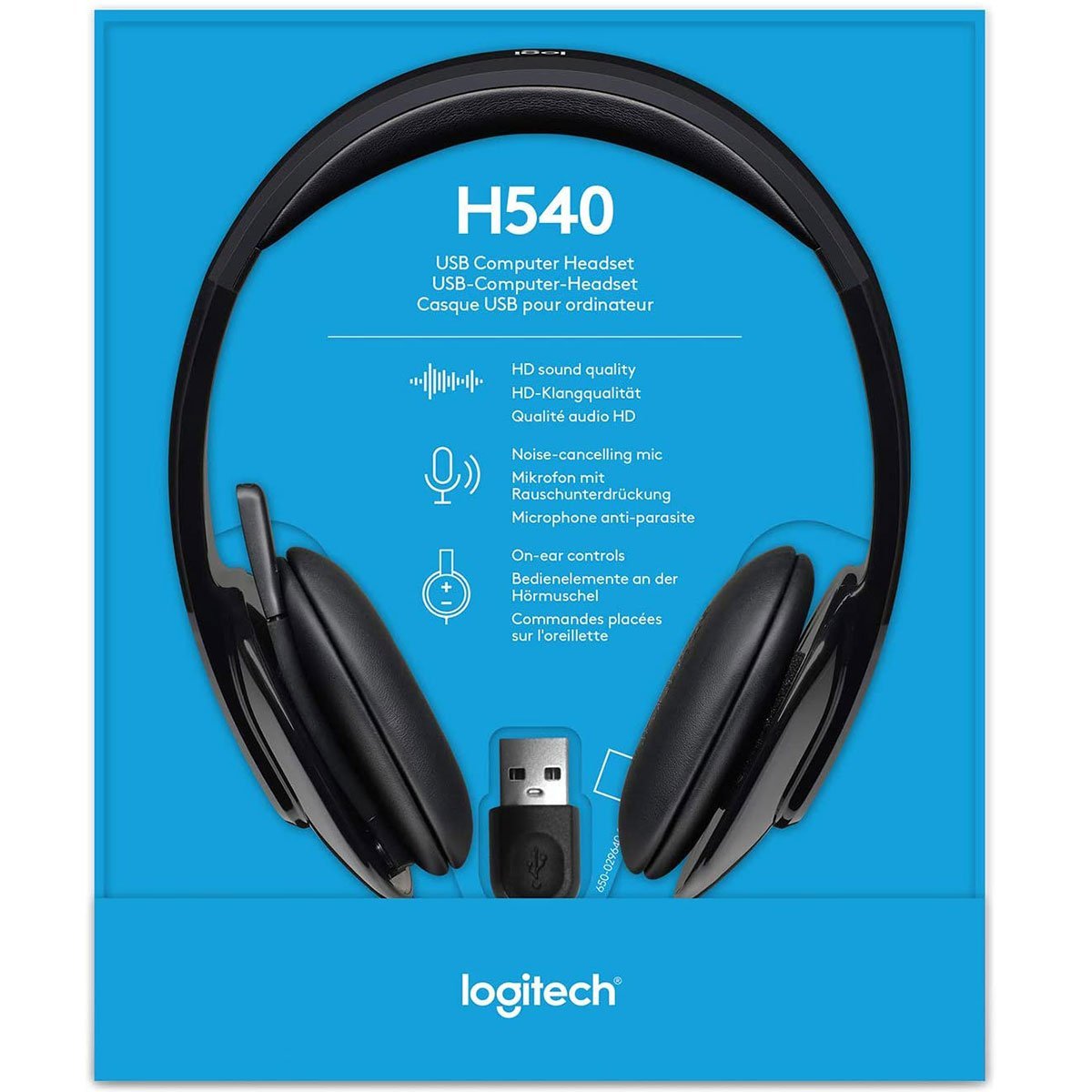
Logitech H390 USB Headset
KSh 4,800.00 Original price was: KSh 4,800.00.KSh 4,000.00Current price is: KSh 4,000.00.
-
Plug-and-play USB-A connectivity
-
Noise-canceling unidirectional microphone
-
Comfortable padded headband and ear cushions
-
Inline volume and mute controls
-
Compatible with Windows, macOS, Chrome OS
Description
Logitech H390 USB Headset
Elevate your audio experience with the Logitech H390 USB Headset, a versatile and reliable solution designed for professionals, students, and casual users alike. This plug-and-play headset offers crystal-clear audio, a noise-canceling microphone, and all-day comfort, making it ideal for work, learning, and entertainment. Available at Aiconic Computers, the Logitech H390 USB Headset combines affordability with high performance, ensuring seamless communication and immersive sound for various applications.
Why Choose the Logitech H390 USB Headset?
Seamless Connectivity for All Users
The Logitech H390 USB Headset is designed for effortless setup. Its USB-A connection allows instant plug-and-play functionality, requiring no additional software. This makes it perfect for users who need quick setup for virtual meetings or online classes. Compatible with Windows, macOS, and Chrome OS, it integrates seamlessly with popular platforms like Microsoft Teams, Zoom, and Google Meet, ensuring reliable performance across devices.
Ideal for Professional Use
For professionals, the Logitech H390 USB Headset excels in delivering clear audio during video conferences. The noise-canceling microphone minimizes background noise, ensuring your voice is heard clearly in busy environments. Its adjustable headband and cushioned earpads provide comfort during long work-from-home sessions or client calls, making it a go-to choice for office settings or remote work.
Perfect for Online Learning
Students benefit from the headset’s clear audio and microphone clarity, ideal for virtual classrooms. Whether attending lectures or participating in group discussions, the Logitech H390 USB Headset ensures you hear and are heard without distractions. Its durable design withstands daily use, making it a practical choice for educational purposes.
Entertainment and Casual Use
Beyond work and study, this headset enhances your entertainment experience. Enjoy music, movies, or gaming with crisp stereo sound. The headset’s lightweight design ensures comfort during extended gaming sessions or binge-watching, while its inline controls allow easy volume adjustments and microphone muting for convenience.
Logitech H390 USB Headset Features
Crystal-Clear Audio Quality
The headset delivers enhanced digital audio through its 30mm drivers, providing rich sound for calls, music, and more. Its frequency response ensures balanced audio, making voices and media sound natural and clear.
Noise-Canceling Microphone
Equipped with a unidirectional microphone, the Logitech H390 USB Headset reduces ambient noise, ensuring your voice stands out. The microphone rotates 270 degrees, allowing flexible positioning for optimal voice capture or easy storage when not in use.
Comfort for Extended Wear
Designed for all-day use, the headset features a padded headband and soft leatherette ear cushions. These elements reduce ear fatigue, making it suitable for long meetings, study sessions, or entertainment marathons.
Inline Controls for Convenience
The Logitech H390 USB Headset includes intuitive inline controls on its 1.9-meter cable. Adjust volume or mute the microphone with a single touch, enhancing user control without interrupting your workflow or entertainment.
Compatibility of Logitech H390 USB Headset
Device Compatibility
The headset works with any device featuring a USB-A port, including laptops, desktops, and some tablets. It supports major operating systems, ensuring broad compatibility for users across different ecosystems. For detailed compatibility, check your device’s specifications on trusted tech sites like TechRadar.
Software Integration
The Logitech H390 USB Headset is optimized for communication platforms like Zoom, Microsoft Teams, and Skype. It also pairs well with media applications such as VLC Media Player or Spotify, delivering consistent audio quality for diverse uses. Visit Zoom’s official site for setup guides with USB headsets.
Cross-Platform Versatility
Whether you’re using a Windows PC, a Mac, or a Chromebook, this headset adapts effortlessly. Its plug-and-play nature eliminates compatibility concerns, making it a versatile choice for multi-device households or workplaces. For additional insights on USB headset performance, refer to CNET’s audio reviews.
Technical Specifications
- Connection Type: USB-A (plug-and-play)
- Driver Size: 30mm
- Frequency Response (Headset): 20 Hz – 20 kHz
- Frequency Response (Microphone): 100 Hz – 10 kHz
- Microphone Type: Unidirectional, noise-canceling
- Cable Length: 1.9 meters
- Weight: 197 grams
- Impedance: 32 Ohms
- Sensitivity (Headset): 94 dB ± 3 dB
- Sensitivity (Microphone): -17 dB
- Controls: Inline volume control, mute button
- Compatibility: Windows, macOS, Chrome OS
- Color: Black
Related products
Logitech K120 USB Standard Computer Keyboard-corded keyboard
Logitech K400 Plus Wireless Touch With Easy Media Control and Built-in Touchpad
Logitech M185 Wireless Mouse
-
Wireless Connectivity: Operates with a 2.4 GHz wireless USB receiver for reliable and responsive control.
-
Plug-and-Play Setup: No software installation required—simply plug in the USB receiver and start using.
-
Ergonomic Design:Â Comfortable and compact for long hours of work or travel.
-
Precise Tracking:Â Smooth cursor control for accurate navigation and productivity.
-
Battery Life: Long-lasting battery that can run up to 12 months without replacement.
-
Compatibility:Â Works with Windows, Mac OS, Linux, and Chrome OS devices.
-
Durable Construction:Â Built to withstand daily use with quality materials for long-term reliability.
Logitech M196 Wireless Bluetooth Mouse
Logitech M240 Silent BT Mouse
Logitech MK235 Keyboard and Mouse Combo
Keyboard
- Spill-resistant design. Do not immerse the keyboard in liquid.
- Tilt legs
- 10-Key Number pad
- Special Keys: 15 function keys
- Up to 5 million keystrokes
- 2 AAA batteries
Mouse
- Sensor technology:Â Smooth Optical tracking
- Number of buttons:Â 3 (Left/Right-click, Middle click)
- Scrolling:Â line-by-line
- Scroll Wheel:Â Yes, 2D, optical
- Connect/Power:Â On/Off power button
- 1 AA batteries
Logitech MK270 Wireless Combo – Black (920-004508)
Logitech MK270 Wireless Combo – Reliable Everyday Productivity
The Logitech MK270 Wireless Keyboard and Mouse Combo (920-004508) is designed for comfort, reliability, and wireless freedom. With a full-size keyboard, compact mouse, and 2.4 GHz wireless connection, it ensures smooth performance for work and casual use. Featuring plug-and-play setup, long battery life, and responsive controls, this combo is a budget-friendly solution for both home and office. Warranty coverage provides extra peace of mind.
Specifications of Logitech MK270 Wireless Combo
Explore the detailed specifications that make the MK270 a dependable wireless set.
| Feature | Specification |
|---|---|
| Model | Logitech MK270 Wireless Combo – 920-004508 |
| Keyboard Type | Full-size wireless keyboard |
| Mouse Type | Compact wireless mouse |
| Connectivity | 2.4 GHz wireless with nano USB receiver |
| Wireless Range | Up to 10 meters |
| Battery Life | Keyboard: up to 36 months, Mouse: up to 12 months |
| Compatibility | Windows, ChromeOS, Linux |
| Special Features | Plug-and-play, hotkeys for media and apps |
| Warranty | Warranty available |
These specifications highlight strong connectivity, convenience, and efficiency for everyday tasks.
SYSTEM REQUIREMENTS
- Windows-based PC
- Windows Vista®, Windows® XP, Windows 7, Windows 8, Windows 10
- USB Port
- Chrome OS™
- Keyboard
- Mouse
- Nano-receiver
- 2 AAA (keyboard) and 1 AA (mouse) batteries
- User documentation

Reviews
There are no reviews yet.