
-17%
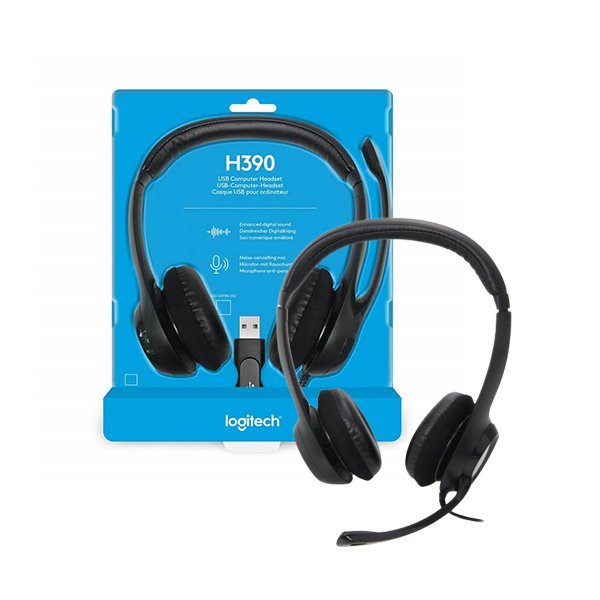
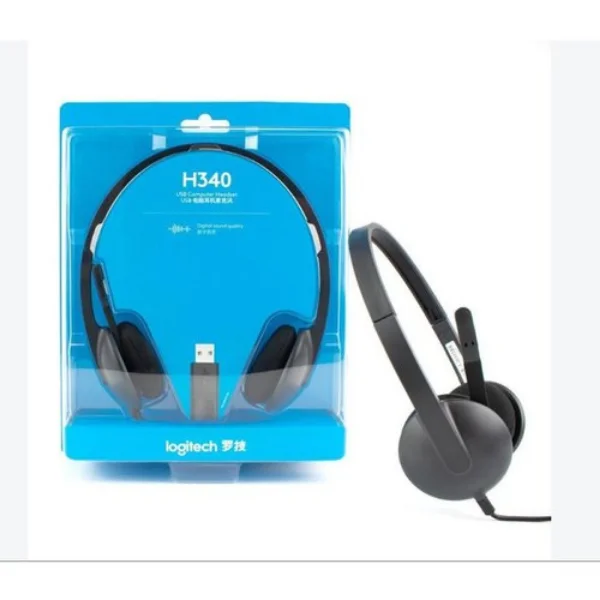
Logitech H340 Stereo USB Headset
Original price was: KSh 4,500.00.KSh 3,500.00Current price is: KSh 3,500.00.
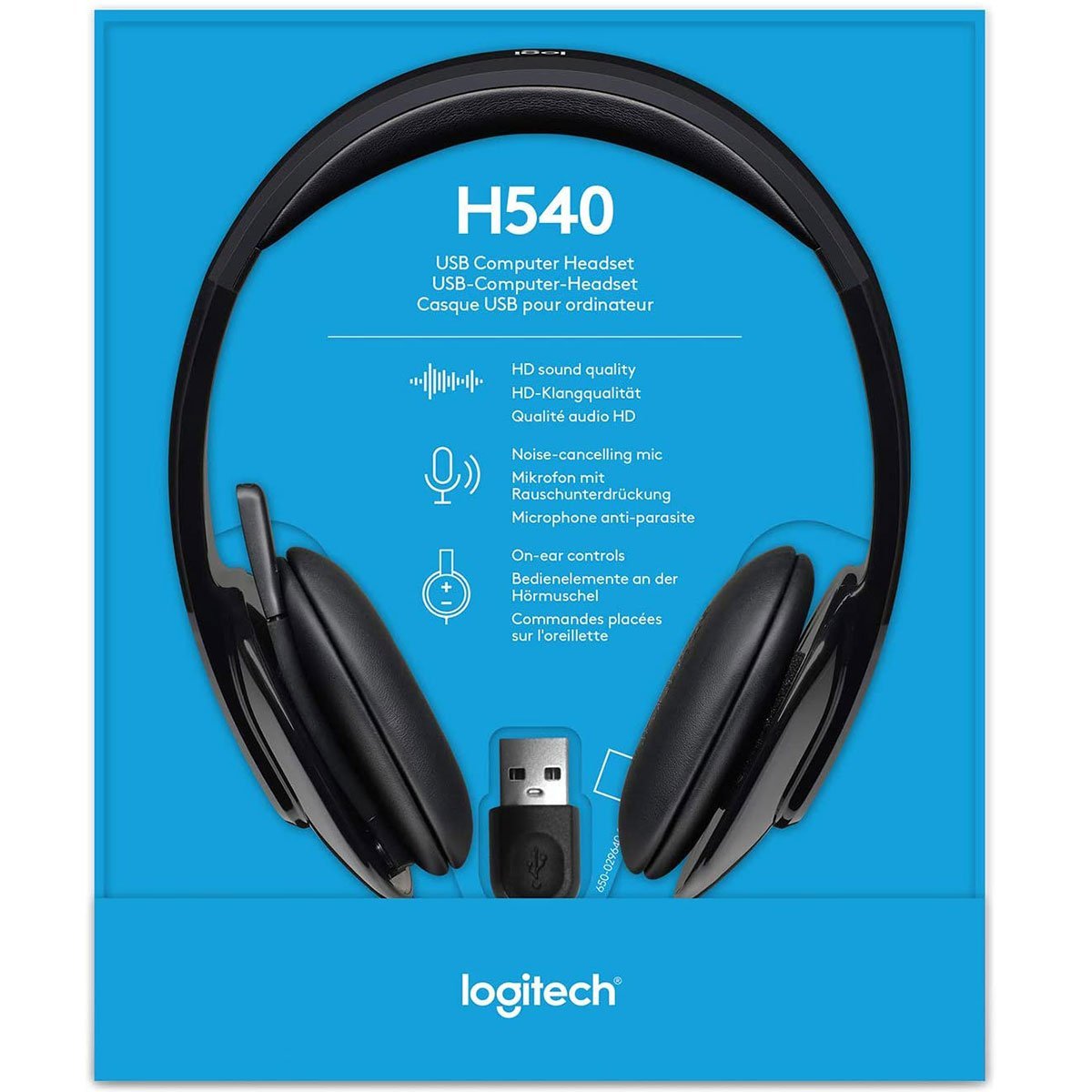
Logitech H540 USB Headset
Original price was: KSh 6,700.00.KSh 5,500.00Current price is: KSh 5,500.00.
Logitech H390 USB Headset
Original price was: KSh 4,800.00.KSh 4,000.00Current price is: KSh 4,000.00.
16
People watching this product now!
Description
Related products
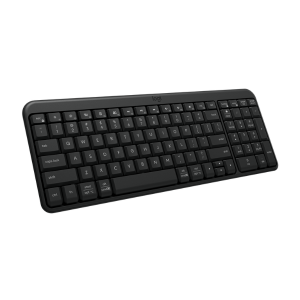
Logitech K250 Wireless Keyboard
Original price was: KSh 3,400.00.KSh 2,699.00Current price is: KSh 2,699.00.
WhatsApp
🔹 Key Features
-
Reliable 2.4GHz wireless connection up to 10 meters.
-
Full-size layout with numeric keypad.
-
Whisper-quiet, low-profile keys for silent typing.
-
Long battery life of up to 24 months.
-
Spill-resistant design for durability.
-
Plug-and-play Unifying Receiver – no software required.
-
Compatible with Windows®, macOS®, and ChromeOS™.
Technical Specifications
| Feature | Details |
|---|---|
| Connectivity | 2.4GHz Wireless via Logitech Unifying Receiver |
| Range | Up to 10 meters |
| Battery Type | 2 × AAA batteries (included) |
| Battery Life | Up to 24 months |
| Key Type | Low-profile, quiet keys |
| Layout | Full-size with numeric keypad |
| Compatibility | Windows®, macOS®, ChromeOS™ |
| Dimensions | 450 × 155 × 23 mm |
| Weight | 550 g |

Logitech M190 Wireless Mouse
Original price was: KSh 2,500.00.KSh 1,850.00Current price is: KSh 1,850.00.
WhatsApp
Logitech M190 Full-Size Wireless Mouse – Full-Size Mouse – Optical – Wireless – Radio Frequency – 2.40 GHz – Charcoal – USB – 1000 dpi – Scroll Wheel – 3 Button
Pointing Device Connectivity Technology: Wireless
Wireless Operating Frequency: 2.40 GHz
Movement Detection: Optical
Movement Resolution: 1000 dpi

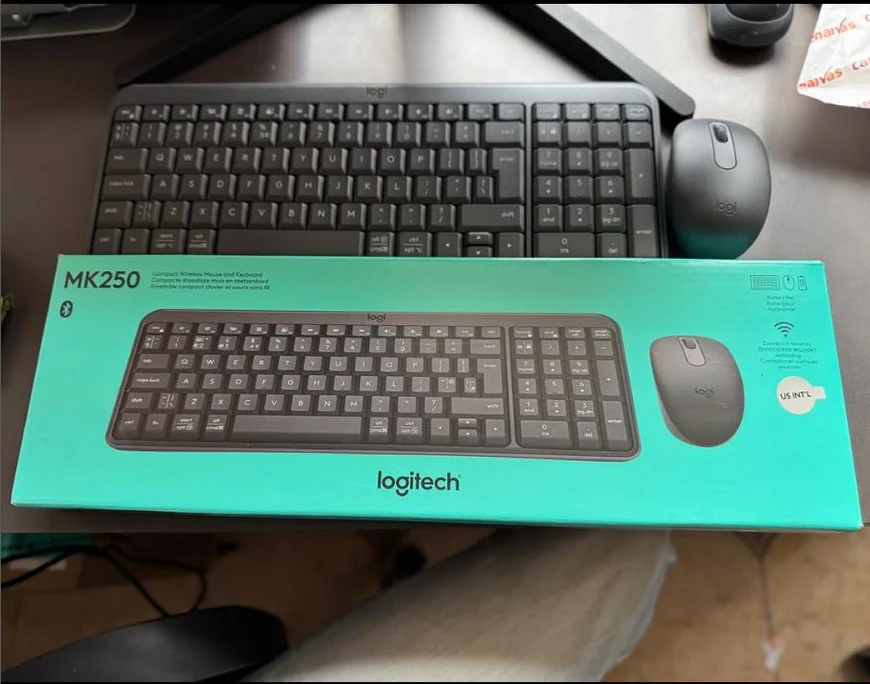
Logitech MK250 Bluetooth Wireless Mouse and Keyboard
Original price was: KSh 5,000.00.KSh 3,699.00Current price is: KSh 3,699.00.
WhatsApp
Description
- Connection Type: Bluetooth 4.0
- Key Layout: Full-size 104-key design with dedicated numeric keypad
- Switch Type: Low-profile membrane
- Power Source: 2 x AAA batteries (pre-installed)
- Wireless Range: 33 feet (10 meters)
- Auto-Sleep Mode: Yes
- Tracking Technology: Advanced optical sensor
- DPI Resolution: 1000 DPI
- Scroll Wheel: Precise scrolling with tactile feedback
- Windows: 10, 8.1, 8, 7 (32-bit and 64-bit versions)
- Mac OS: OS X 10.5 or later
- Chrome OS: Full functionality supported
- Android: Version 3.2 or higher
- Warranty: 1 Year

Logitech MK295 Keyboard & Mouse Combo
Original price was: KSh 5,700.00.KSh 4,500.00Current price is: KSh 4,500.00.
WhatsApp

Logitech Pebble Mouse 2 M350s – Bluetooth, Slim, Portable
Original price was: KSh 4,500.00.KSh 3,799.00Current price is: KSh 3,799.00.
WhatsApp

Logitech Signature M650L Wireless Mouse Graphite
Original price was: KSh 6,700.00.KSh 4,999.00Current price is: KSh 4,999.00.
WhatsApp
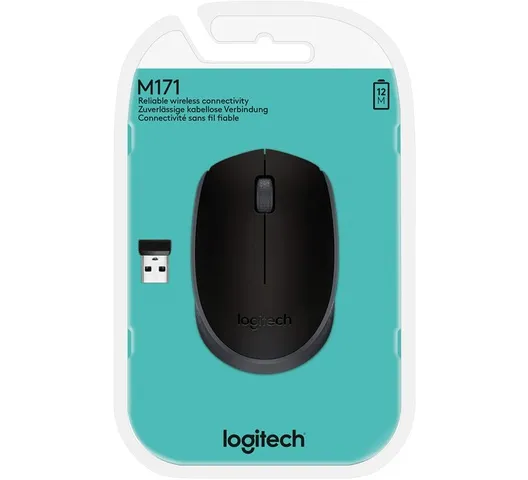
Logitech Wireless Mouse M171 – Black
Original price was: KSh 2,400.00.KSh 1,799.00Current price is: KSh 1,799.00.
WhatsApp
Logitech Wireless Mouse M171 – Black
KSH 1800 EXCL OF VATFeatures
Reliable 2.4 GHz Wireless Connectivity
The Logitech M171 offers a dependable 2.4 GHz wireless connection, providing a strong and consistent signal up to 10 meters away. This ensures smooth and uninterrupted performance, allowing you to work or play without the constraints of cords. ÅPlug-and-Play Simplicity
Setting up the M171 is effortless—simply plug the nano USB receiver into your computer’s USB port, and you’re ready to go. There’s no need for additional software or drivers, allowing for immediate use across various operating systems, including Windows, macOS, Chrome OS, and Linux. Long-Lasting Battery Life
Designed for efficiency, the M171 boasts a battery life of up to 12 months on a single AA battery. Features like the on/off switch and smart sleep mode help conserve power, reducing the need for frequent battery replacements and ensuring consistent performance over time. Comfortable and Ambidextrous Design
The mouse features a contoured shape that fits comfortably in either hand, making it suitable for both left- and right-handed users. Its compact and ergonomic design ensures comfort during extended use, enhancing productivity and reducing strain. Smooth and Precise Tracking
Equipped with advanced optical tracking technology, the M171 delivers smooth and accurate cursor control on various surfaces. Whether you’re browsing the web or working on detailed documents, the 1000 DPI sensor ensures responsive and precise navigation.What’s in the Box
- Logitech M171 Wireless Mouse
- USB Nano Receiver
Reviews
There are no reviews yet.